
Check Hong Kong Tunnel Tolls in Real Time
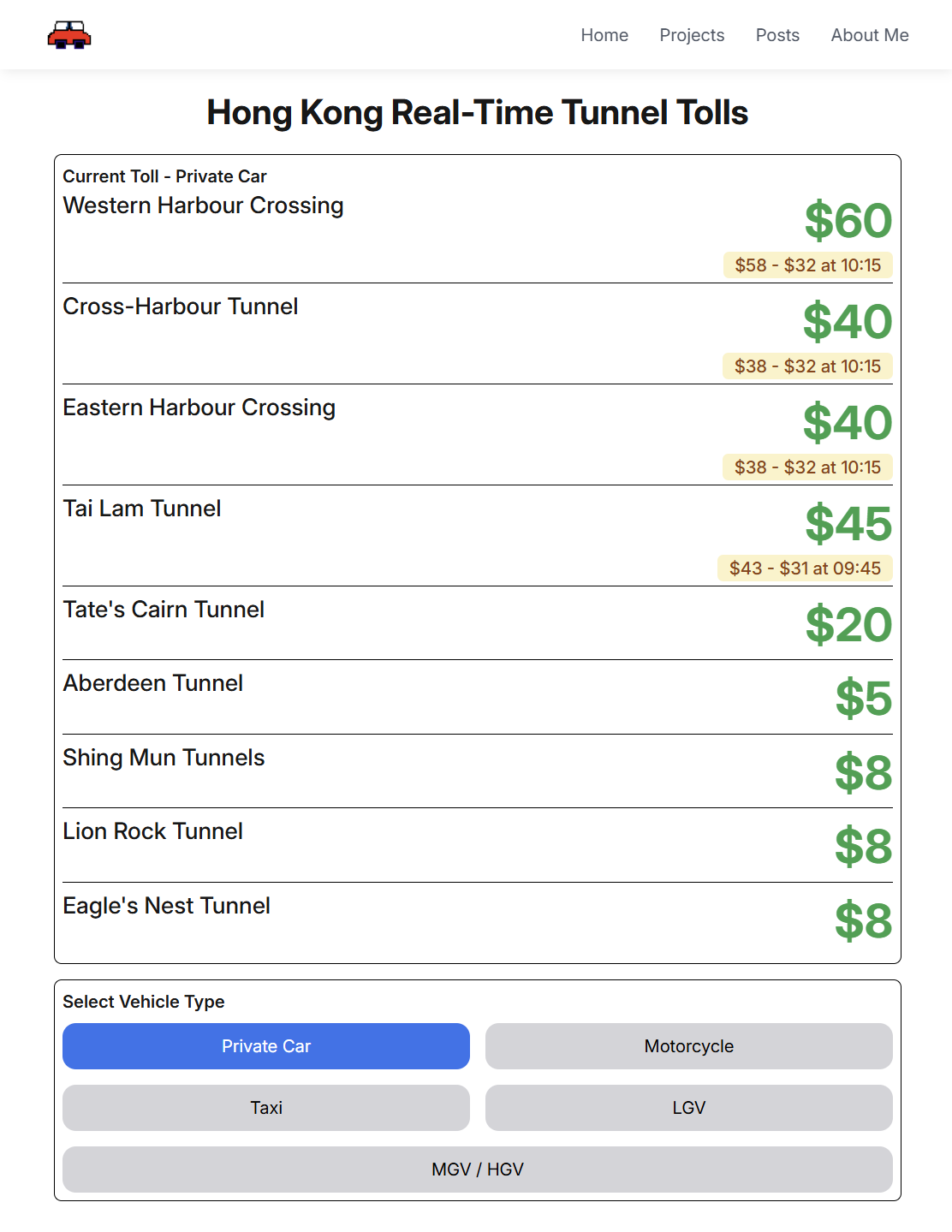
Due to changes in Hong Kong's tunnel tolls in 2023 and 2025, we are launching an alternative app today to instantly check time-of-use tolls for all tunnels in Hong Kong. This includes the Cross-Harbour Tunnels (Western, Eastern, Cross-Harbour), Tai Lam Tunnel and many more. You can select their vehicle type to view tolls for different time periods.
This is a simple and easy-to-use tool that allows you to quickly check Hong Kong tunnel tolls for different time periods and make the best driving decisions based on real-time information. The app also features a Dark Mode for people who prefer a nighttime driving experience.
We are excited to introduce HK Tunnel Tolls app to get your feedback. Try it now at jaylydev.github.io/hk-tunnels-tolls/.
How to Use
Using this tool is very simple. You only need to select your vehicle type, and the system will instantly display toll information for all tunnels at different time periods.
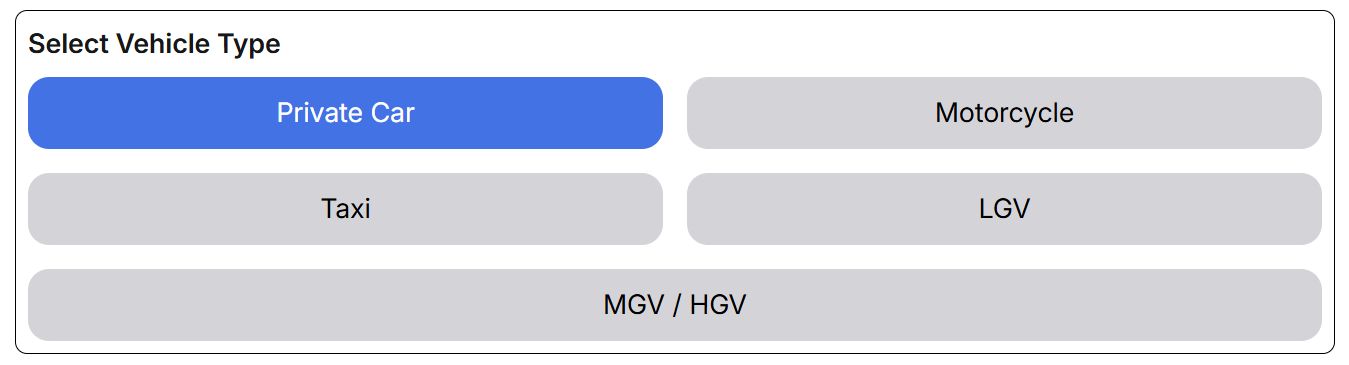
Notes:
- LGV refers to Light Goods Vehicle, which includes vans and small trucks with the gross vehicle weight not exceeding 5.5 tonnes.
- MGV / HGV refers to Medium Goods Vehicle and Heavy Goods Vehicle, which includes larger trucks with the gross vehicle weight exceeding 5.5 tonnes.
Check out TD website for more details.
Based on the selected vehicle type, the system will display toll rates for all tunnels at different time periods.
Samples
Desktop / Tablet View
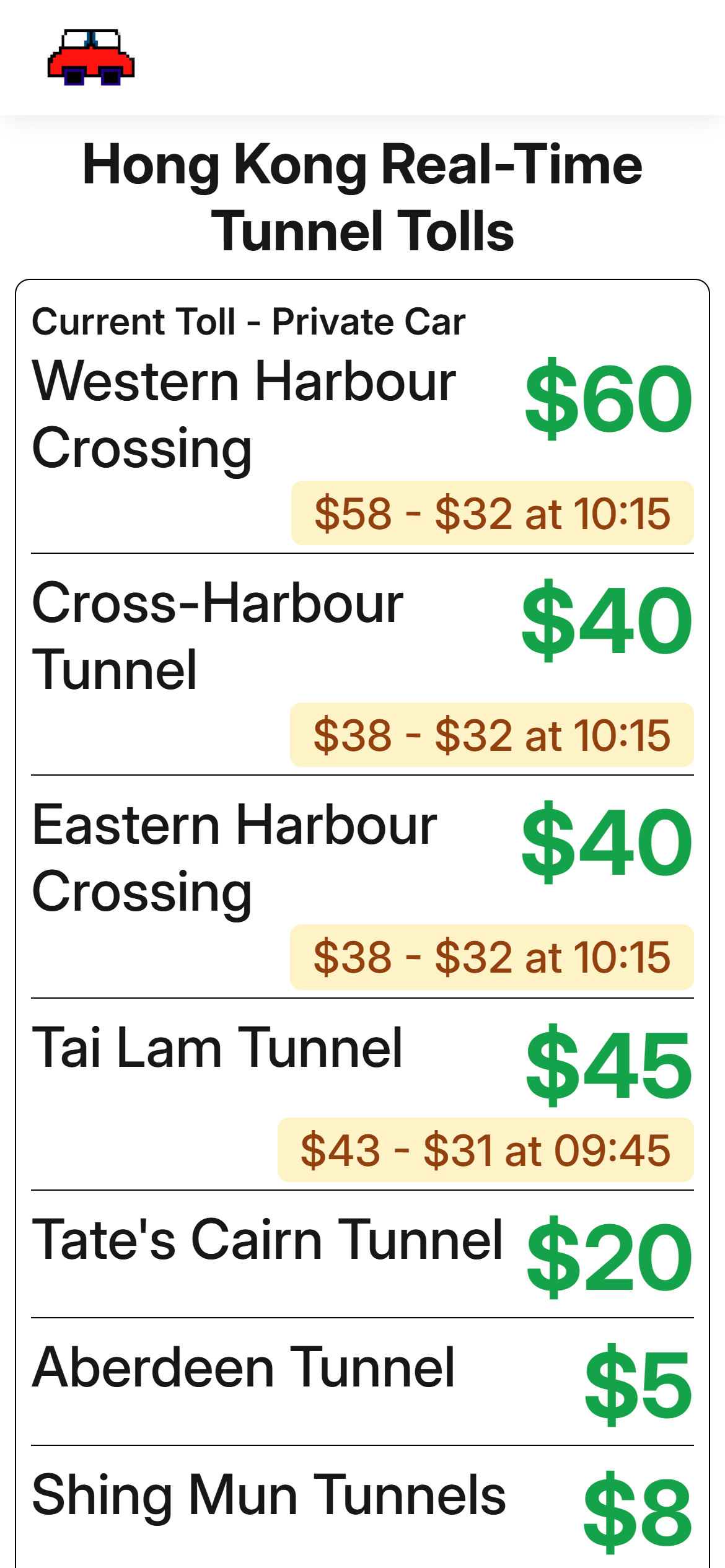
Mobile View
iOS Shortcut Support
You can also add a website shortcut to your iOS / iPadOS home screen. You can create a shortcut to quickly check tunnel tolls from your home screen.
- Go to the Safari app on your iPhone or iPad.
- Navigate to jaylydev.github.io/hk-tunnels-tolls/.
- Tap the "Share" button at the bottom of the screen

- Select "Add to Home Screen" from the share sheet.
We hope this tool will help you better make your driving experience in Hong Kong more convenient.
Links
Try it now!
We also have a Chinese version available: