Void Rising Add-On
Download links for the add-on is located at the bottom of the page.
What happens if you made the void rises constantly in Minecraft? This add-on is made so the void rises every 5 seconds, making the game more of a challenge. Last player survive the rising void longest wins!
Add-on features
When you start the game, The void starts rising from the bottom of the world.
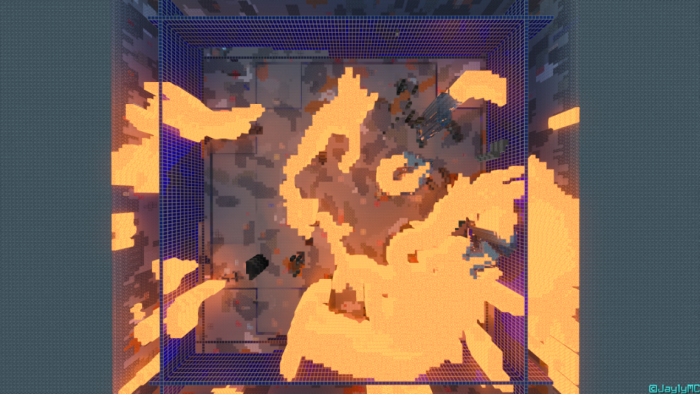
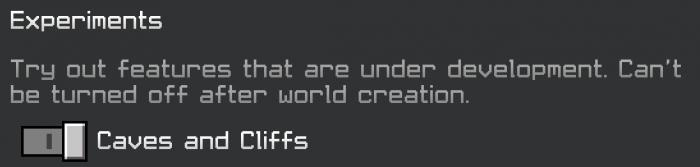
The void rises from y = 0, and y = -64 with the Caves and Cliffs setting enabled because this add-on is made before the release of Caves and Cliffs update.
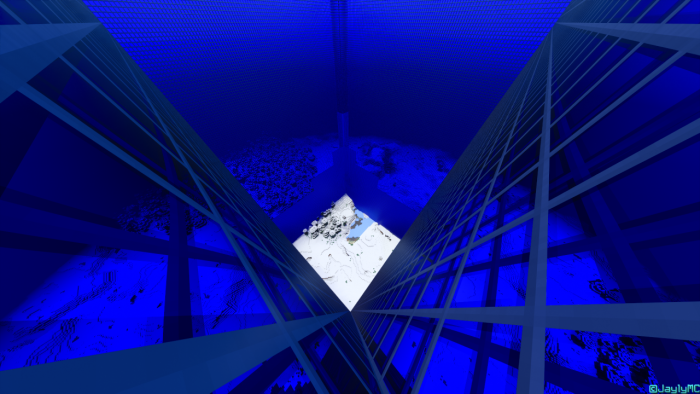
You will also be surrounded by a border when the game starts.
When you are playing, the game displays the timer to show how long you have been in this game:
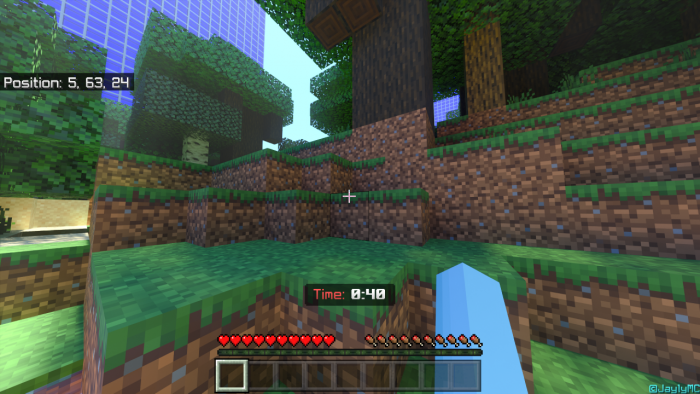
If you are playing this game in singleplayer, your goal is to survive as long as possible. If you are playing this game in multiplayer, last player survive wins.
Settings
In order to make the add-on compatible with low-end devices, this add-on has settings which changes the size of the border and the amount of chunks the void needs to rise.
Change the settings
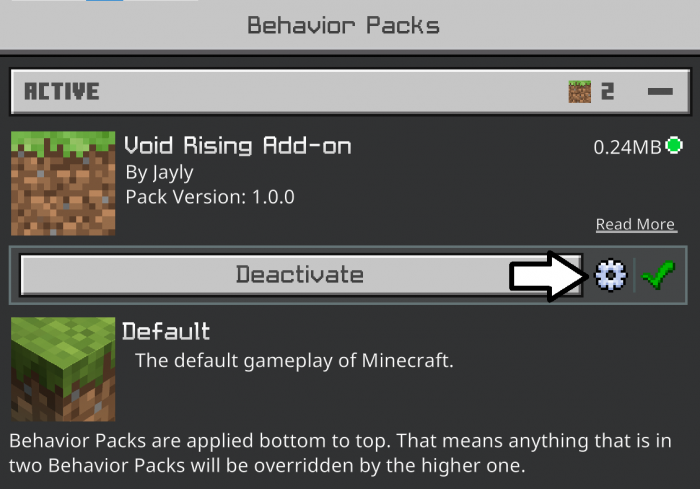
In order to change the settings, click the button next to the settings before the world starts.
Note
This add-on is made before the release of Caves and Cliffs update. If you're on Minecraft version 1.17, I highly recommended using the Caves and Cliffs settings instead of normal settings to maximise gameplay experience.
Normal void rising (100x100 border)

Note
Please use Caves and Cliffs (100x100 border) option instead.
- This setting tells the game to create a 100x100 border
- You cannot go any further than 50 blocks in any direction
- This is suitible for low-end and high-end devices
Normal void rising (300x300 border)

Note
Please use Caves and Cliffs (300x300 border) option instead.
Important
Please set Simulation Distance in world settings to at least 10 chunks for this resolution.

- This setting tells the game to create a 300x300 border
- You cannot go any further than 150 blocks in any direction
- This is suitible for low-end and high-end devices
Normal void rising (500x500 border)

Note
Please use Caves and Cliffs (500x500 border) option instead.
Important
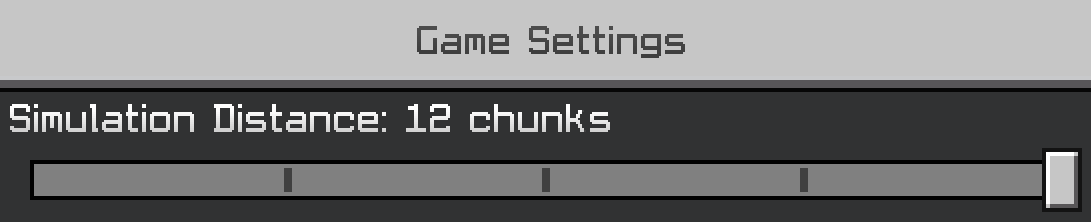
Please set Simulation Distance in world settings to 12 chunks for this resolution.
- This setting tells the game to create a 500x500 border
- You cannot go any further than 250 blocks in any direction
- This is suitible for high-end devices only
Caves and Cliffs void rising
These settings are made for Minecraft Caves and Cliffs feature due to its overworld height is increased from 256 to 384. It is inteneded to be compatible with Minecraft 1.17 or above.
Setting the addon to one of the resolutions will tell the game to rises the void from y = -64 to y = 320.
It is recommend to switch the resolution to one of the following for Minecraft 1.17 or above:



Important
Please set Simulation Distance in world settings to 12 chunks for this resolution.
For Minecraft 1.16: When enabling one of the caves and cliffs resolutions, you must enable Caves and Cliffs before start the world.
Installation
After downloading the Add-on and importing the Add-On to Minecraft, make sure the behavior pack is imported.
Please also set the options to one of Caves and Cliffs option for Minecraft v1.17.0 or above.
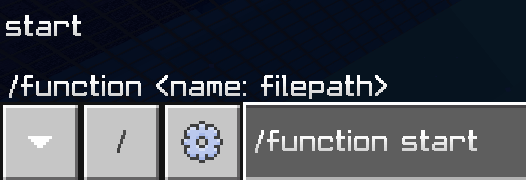
After you launch a Minecraft world with that add-on, you start the game by executing the following command:
/function start
Upon executing this command, it will immediately setups the game and the void starts rising. Make sure all the players have joined before starting.